Your website gets visits, but the inquiries are thin. It is tempting to redesign the page or send it more traffic. First, find out whether a relevant visitor can understand the offer, take the next step, and reach your team.
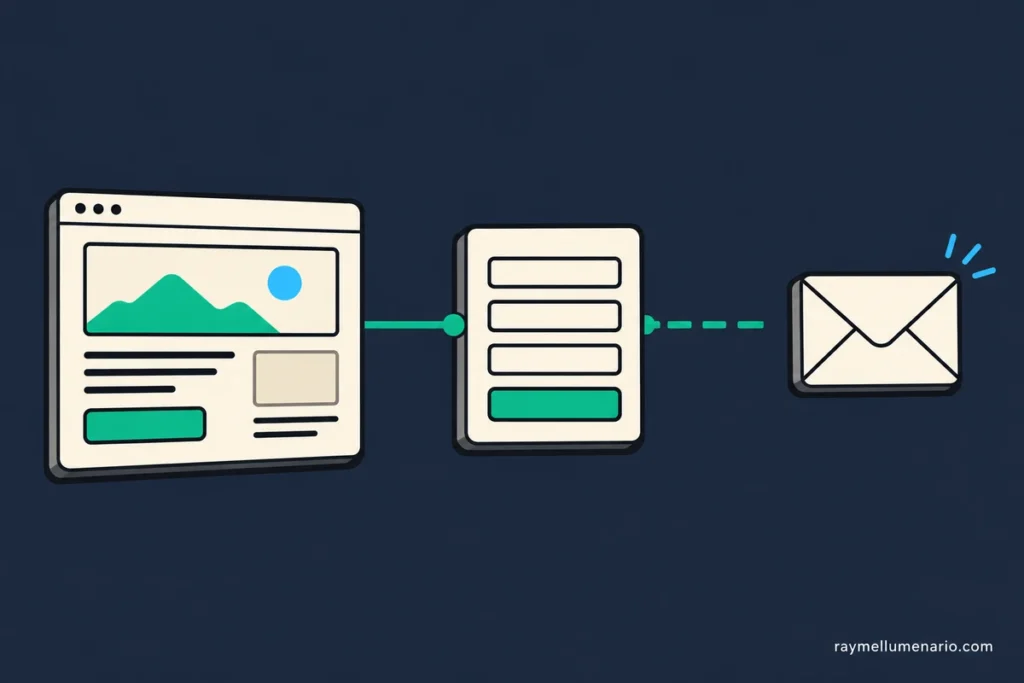
A website conversion audit is a review of that path. For a small service business, I recommend starting with one important page and one intended action, such as a quote request or booking. The result should be a specific problem to fix, not a score that merely says the site could be better.
Choose one page and one inquiry
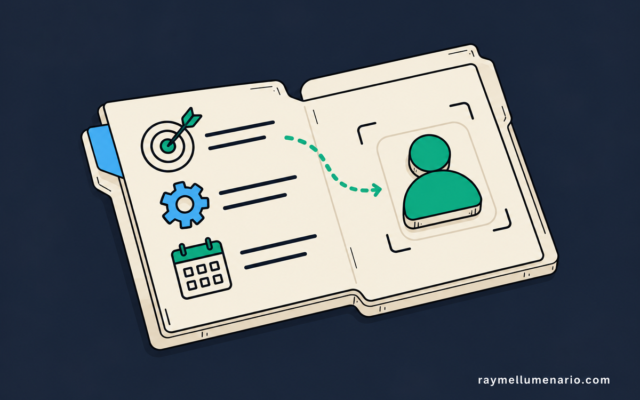
Pick a service or landing page that receives relevant visitors and should lead to an inquiry. Write down who the page is for and the action that matters most. “Someone requests a quote for this service” is more useful than “improve conversions.”
Check where visitors come from before judging the page. For organic search, Google Search Console shows queries, impressions, and clicks. Those figures help you see whether searchers appear to want the service. They do not tell you whether an inquiry was received. For campaigns, review the ad or email promise alongside the landing page.
Record the page’s current visits and received inquiries over a period you can compare later. If there are only a handful of visits, treat the numbers as context, not proof that a particular design element is failing. I would still test whether the inquiry path works.
Follow the inquiry path in order
1. Check the promise on arrival
Open the page as a prospective customer would, using the relevant search result, ad, or referral link if you have one. Can you tell what the service is, who it helps, and what happens after you inquire? Is the next action easy to find?
If the visitor’s reason for arriving does not match the offer on the page, investigate that mismatch before changing button colors or form fields. The problem may be the traffic source, the page message, or both.
2. Complete the task on a phone
Use an actual phone as well as a desktop browser. Read the offer, find the call to action, and reach the form or booking step. Note anything that blocks the task: obscured buttons, hard-to-read text, an overlay, or a slow page.
If loading feels like the obstacle, test the same URL in PageSpeed Insights. It provides mobile and desktop diagnostics, but its score does not by itself establish why inquiries are low. Keep the observation tied to what prevented or delayed the task.
3. Submit a test inquiry
Use a test name and an email address you control. Complete the form normally, then try an incomplete or incorrect entry. Can you tell which fields are required and how to correct an error? The W3C’s form guidance explains why visible labels matter, while its validation guidance covers clear, accessible error messages.
Record whether the form accepts the valid submission and shows an appropriate confirmation. A confirmation is only one checkpoint. It does not establish that the business received the inquiry.
4. Verify that someone received it
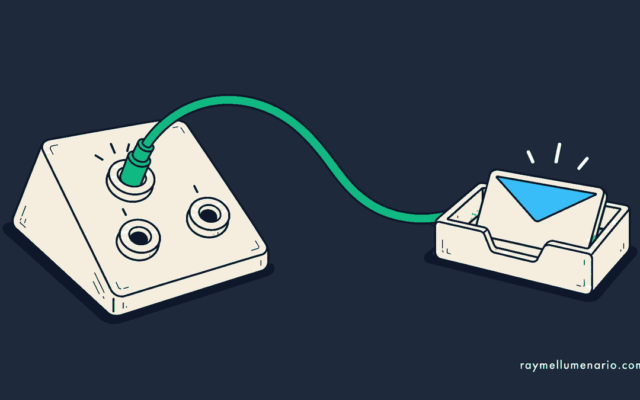
Look for the test inquiry in the destination your business actually uses: an inbox, booking system, or CRM. Check that its details arrived intact and that the right person can see it. If the page reports success but no usable inquiry arrives, repair the delivery path before optimizing the page’s appearance.
This audit ends once the website has handed off the inquiry reliably. If it arrives but is then lost among records, ownership, or follow-up, use the separate CRM health check to examine that process.
5. Check what analytics recorded
If you use GA4, compare the test with the event configured for a completed inquiry. Google recommends the generate_lead event for an initial lead generated through a form and defines qualify_lead separately. These events need the right implementation; an analytics event is not proof that the inquiry reached a person or met your qualification criteria.
Write down discrepancies. A received inquiry with no event makes the report incomplete. An event with no received inquiry can make the report look healthier than the actual handoff. Fix the measurement or delivery problem you observe before using the reported conversion rate to judge a page change.
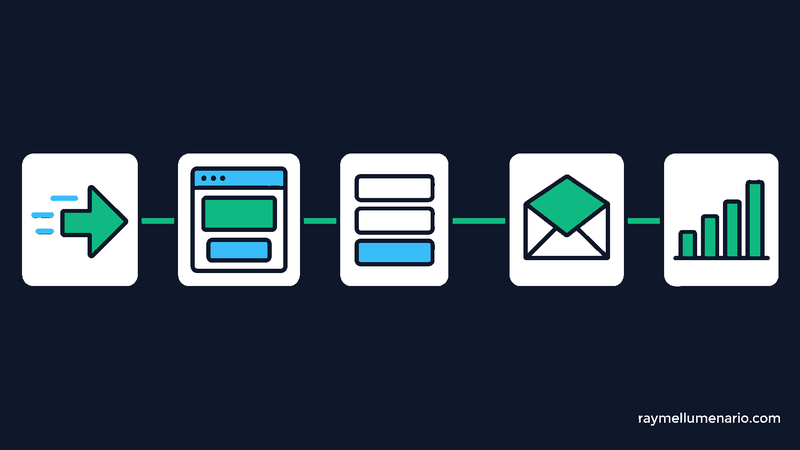
Fix the first observed failure
I would turn the audit into one decision using the earliest step that failed. Later symptoms may disappear once that step works.
| What you observed | Next check | First action |
|---|---|---|
| Visitors arrive for a different need | Compare their query or campaign promise with the service offered | Correct the targeting, promise, or destination page |
| A relevant visitor cannot explain the offer or find the next step | Ask someone unfamiliar with the business to attempt the same task | Clarify the message and call to action |
| The task breaks or becomes difficult on a phone | Repeat the exact interaction and note the device and error | Repair the blocking layout, form, or loading issue |
| The page confirms submission, but no inquiry arrives | Trace the form submission to its intended destination | Repair delivery and retest it |
| An inquiry arrives, but analytics misses or duplicates it | Inspect when the event fires during a controlled submission | Correct measurement before comparing conversion rates |
For example, imagine a relevant visitor can understand a service page and complete its form. The success message appears and GA4 records a lead event, but the test inquiry never reaches the business inbox or CRM. This is a hypothetical case. The first job is to trace and repair delivery, then submit another test. Rewriting the headline would leave the observed failure in place.
Keep a short decision record
A repeatable record is more useful than a long list of impressions. For each page you audit, save:
- The page, intended visitor, traffic source, and primary inquiry action
- The test date, device, and what happened at each checkpoint
- The first observed failure and the evidence for it
- One change, its owner, and the date to retest
- Whether a real test inquiry was received after the change
Then compare visits and received inquiries with the earlier period, keeping traffic source and lead quality in view. A small change in a small sample may be noise. A successful controlled test can confirm that a broken path now works; it cannot, on its own, prove a lasting increase in demand.
If the path works but the page still leaves the right visitor unsure, my landing page optimization service focuses on the message, structure, and next step. Bring the page and its traffic source so the work starts with the decision the visitor is trying to make.